

YapCap
AI auto captions
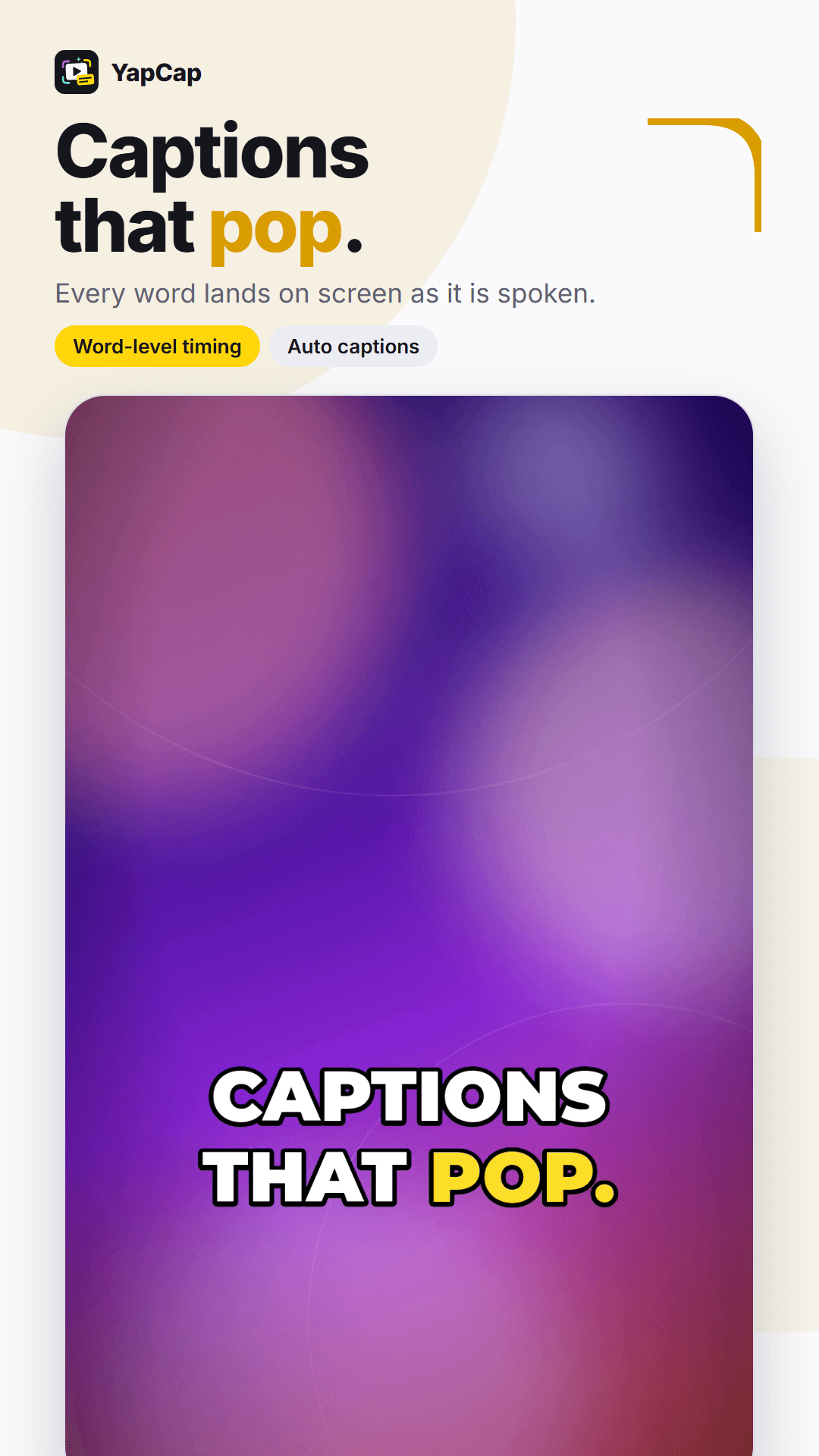
Captions that pop.
Word-by-word AI captions for any video, styled for TikTok, Reels, Shorts and YouTube. No account, no subscription, and your video never leaves your phone.
- Android 7.0+
- Free, no subscription
- No account
- Released Oct 2026
How it works
From clip to captions in 3 steps.
- 01
Pick a clip
Choose any video from your phone. YapCap only needs its sound to work out the words.
- 02
Generate
AI listens to your clip and writes down every word, timed to the moment it is spoken. Most clips are done in seconds.
- 03
Style and export
Pick one of 46 looks, drag the captions where you want them, and save the finished video straight to your gallery.
Screenshots
Take a look inside.
Swipe
Captions that pop 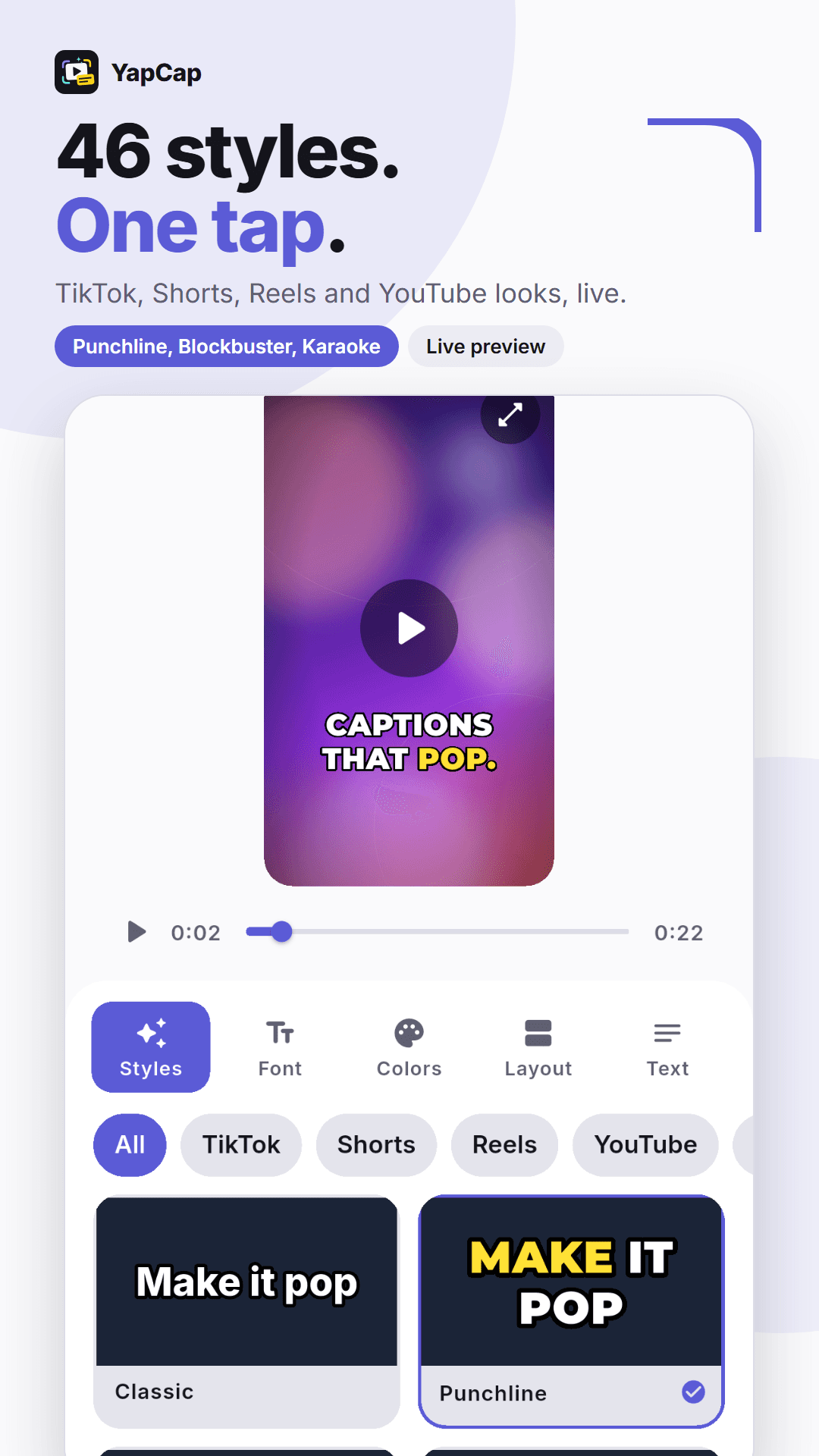
46 styles, one tap 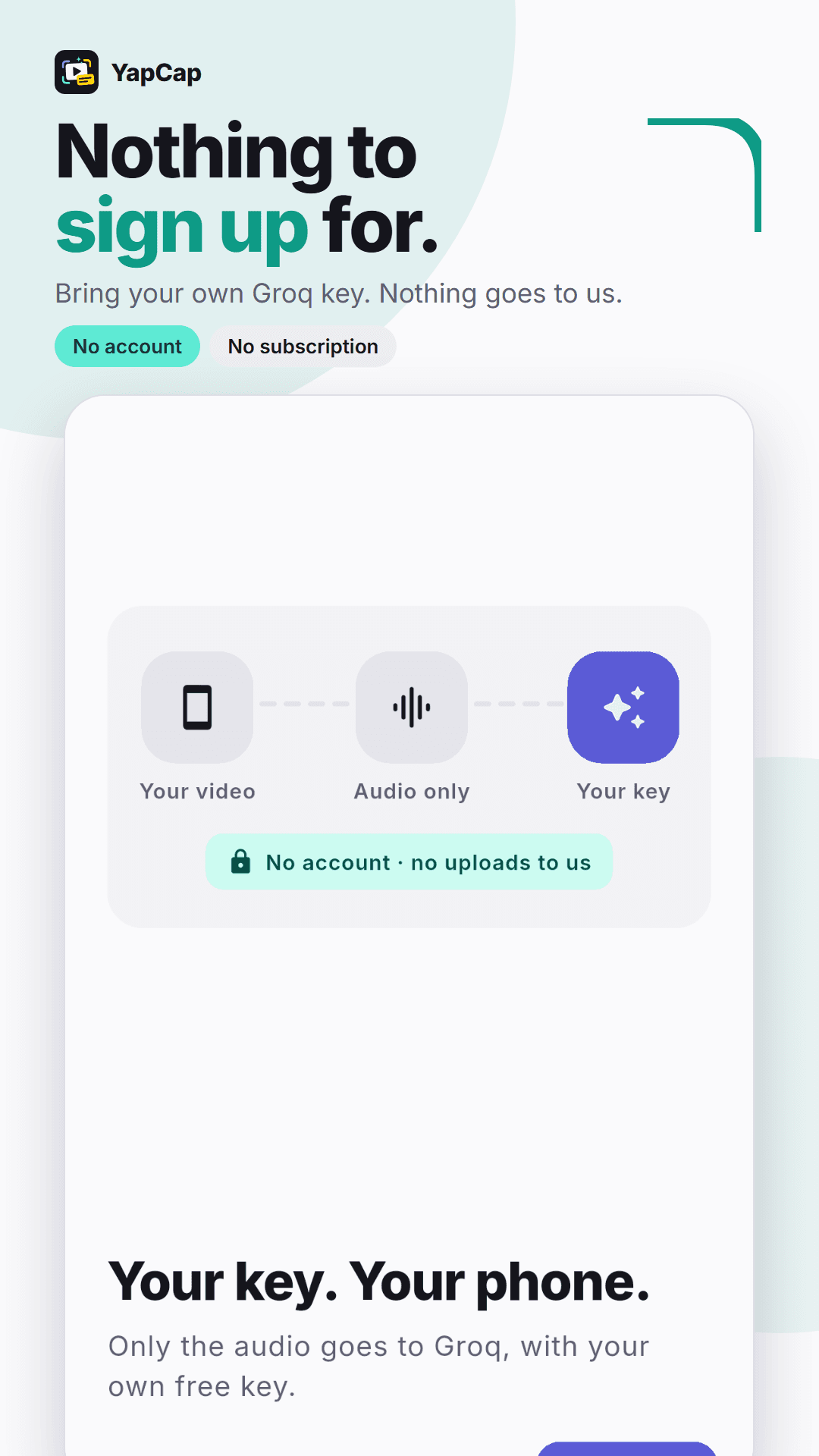
Nothing to sign up for 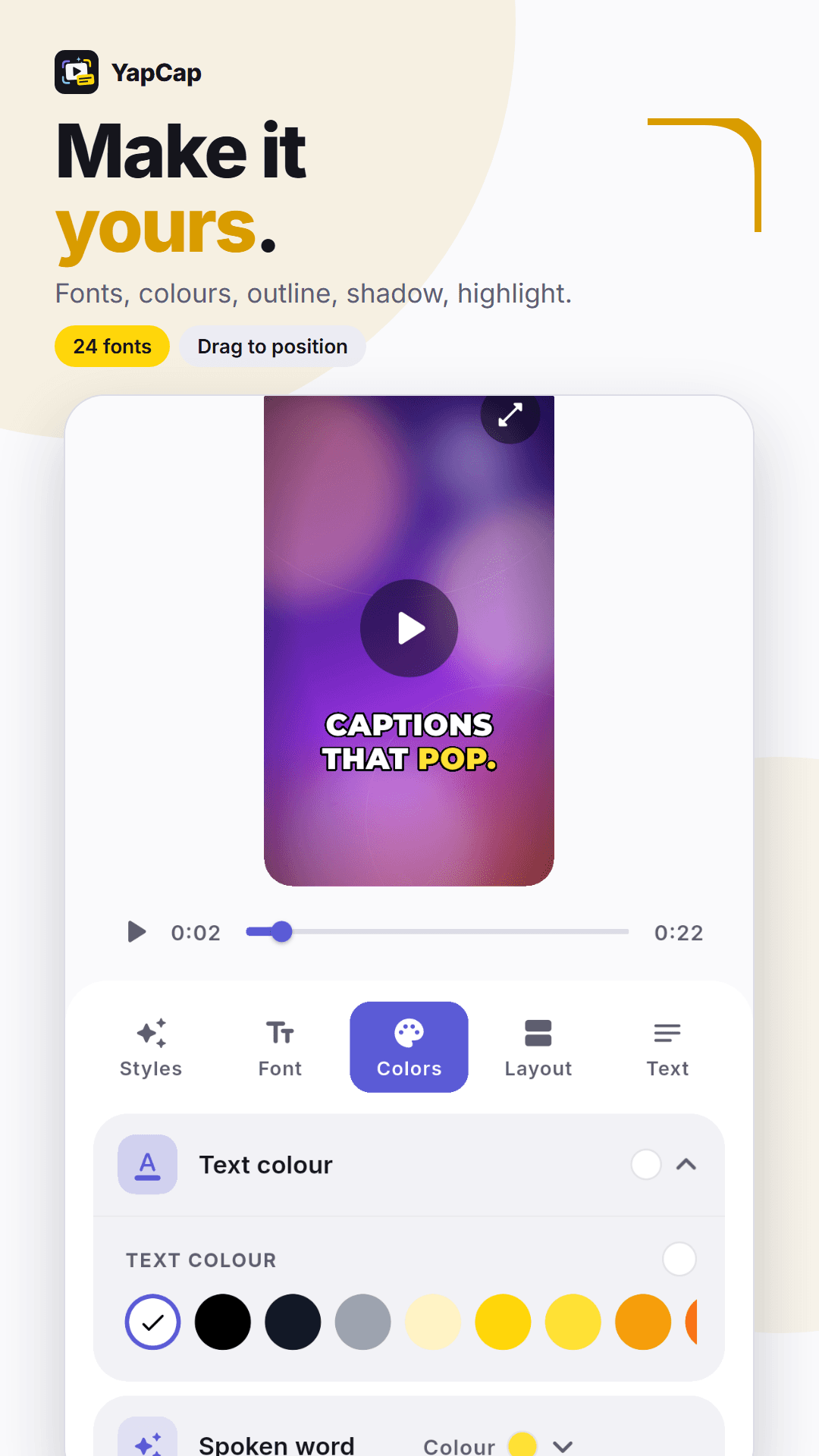
Make it yours 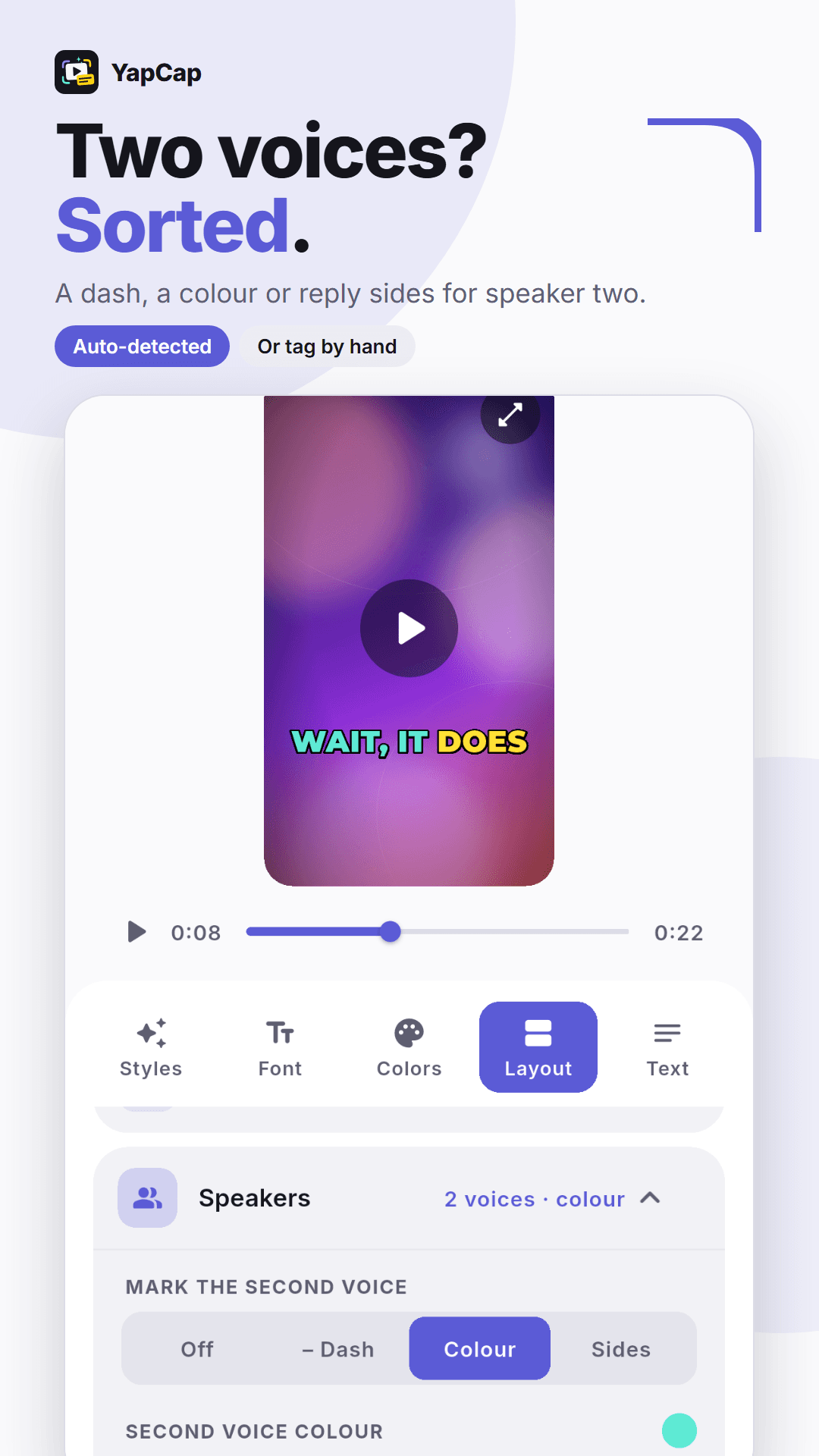
Two voices, sorted 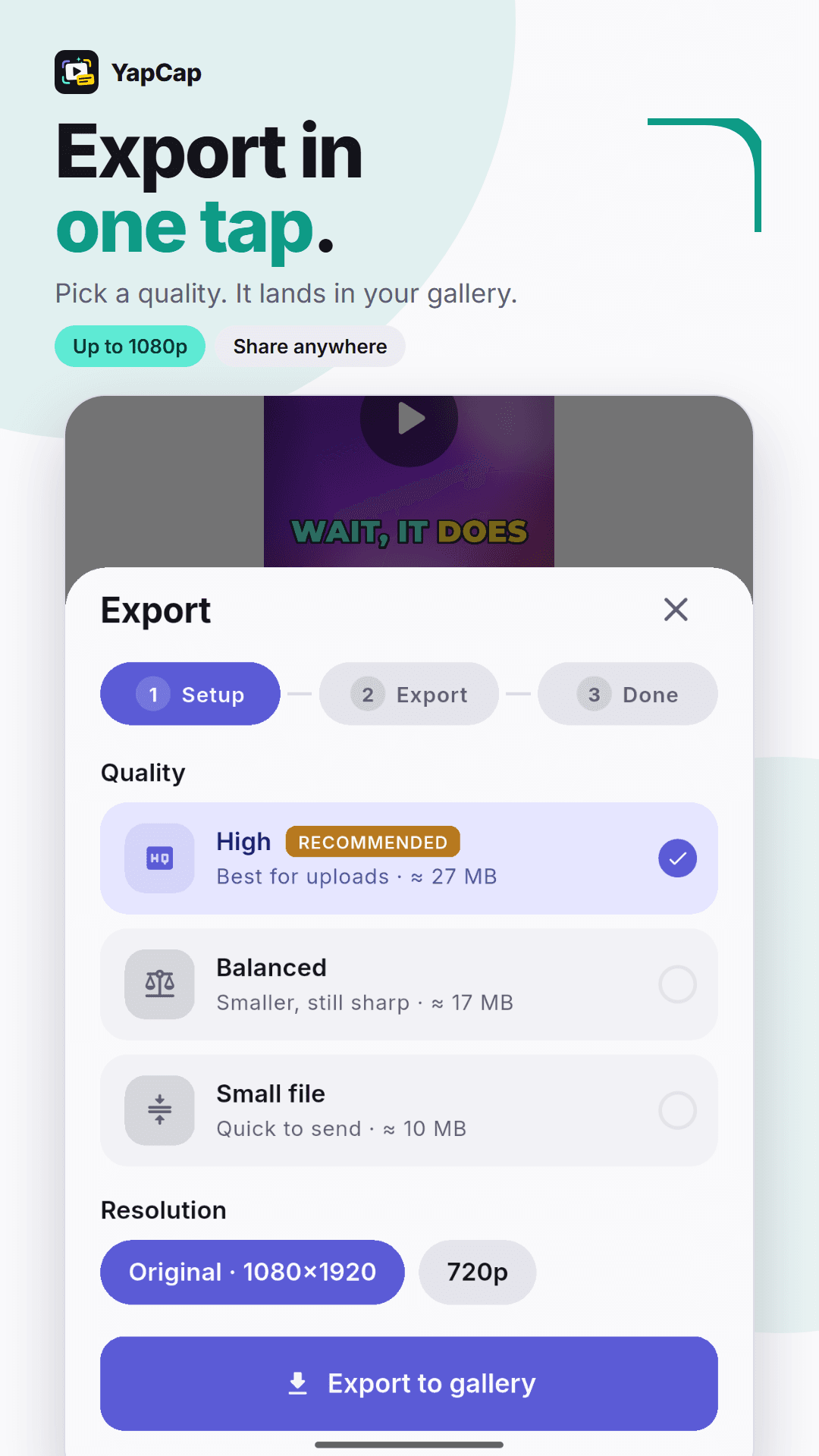
Export in one tap 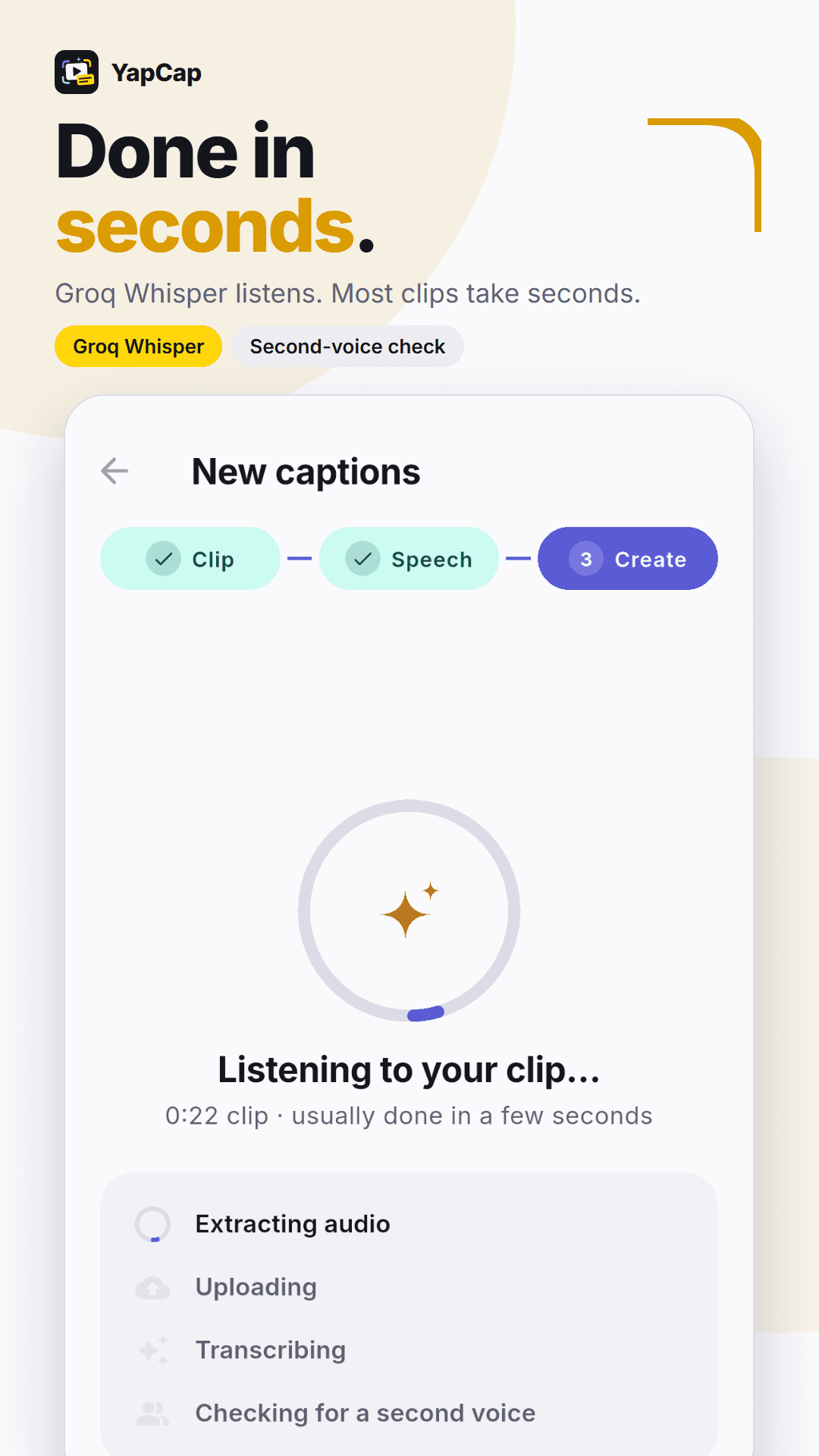
Done in seconds 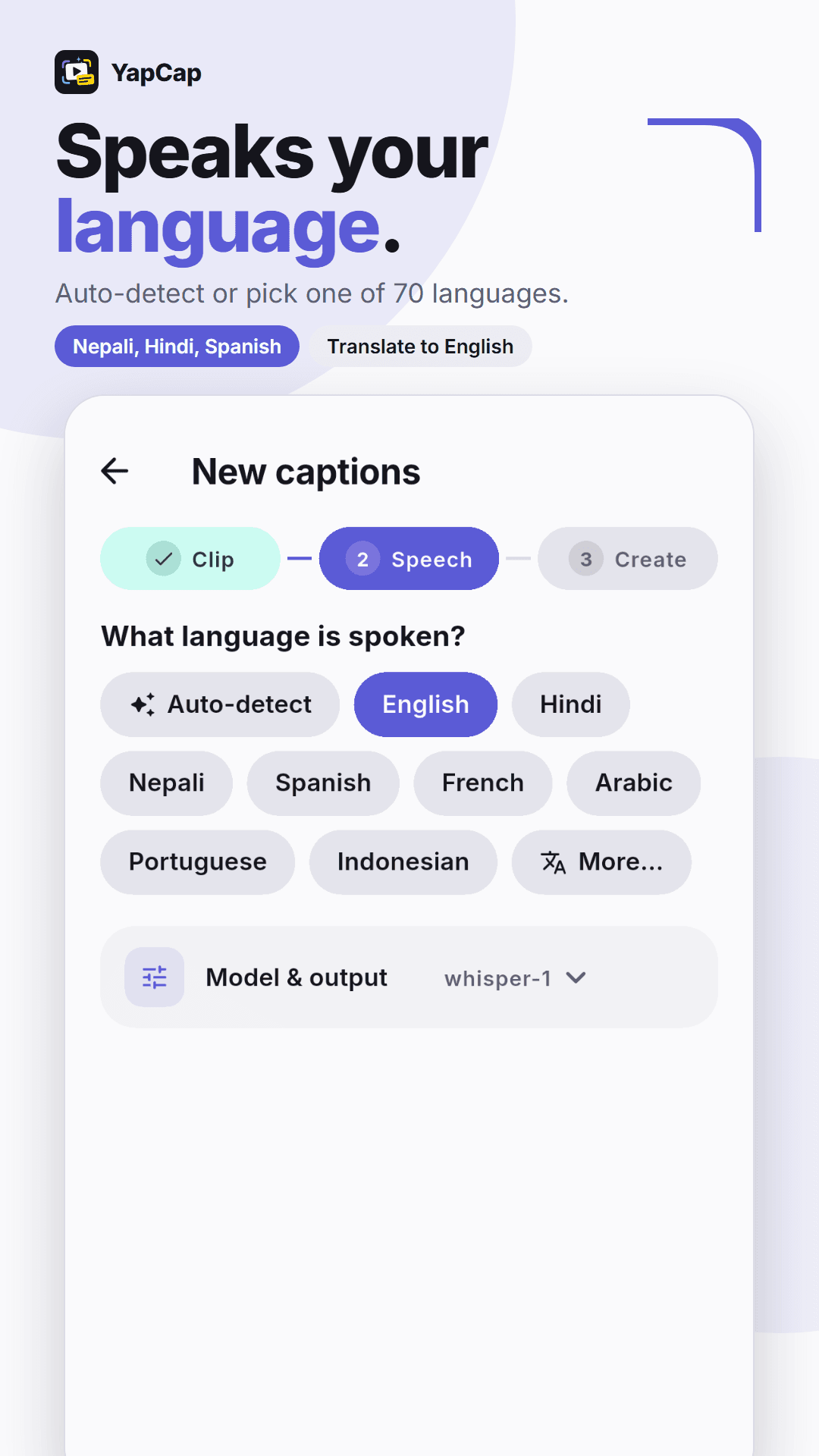
Speaks your language
Features
Everything you need. Nothing you don’t.
Word-by-word timing
Every word lands on screen exactly when it is said, with the spoken word highlighted as it plays.
46 ready-made styles
Punchline, Blockbuster, Karaoke, Pill Pop, Reddit Story, Podcast, Neon, Comic and more, previewed live on your clip.
Make it yours
24 fonts, colours, outlines, shadows and boxes. Choose how many words show at once and drag captions anywhere.
Two voices, sorted
A second speaker is picked up automatically and gets its own colour, a dash or chat-style sides.
70 languages
Auto-detect or pick one, including Nepali and Hindi, with an option to translate into English.
Fast exports
Save in original size, 1080p or 720p, ready to post on TikTok, Reels, Shorts or anywhere else.
Nothing to sign up for
No account, no subscription, no ads and no tracking inside the app.
Ready when you are. Free on Google Play.
Get YapCapPrivacy
Your video stays on your phone.
YapCap has no servers of its own. Captions are drawn onto your video right on the device. When you tap Generate, only the sound of that clip is sent for transcription, using your own key, and the temporary copy is deleted afterwards. Nothing is ever sent to me.
Read the full privacy policyFree Groq key
Get your free key in a minute.
YapCap uses Groq’s speech AI to hear your clip. Groq gives every account a free key with a generous daily allowance, and you only set it up once.
- 1
Create a free Groq account
Sign up at the Groq console with Google, GitHub or your email. No card needed.
console.groq.com - 2
Create an API key
Open API Keys, tap Create API Key, give it a name like “YapCap” and submit.
Open API Keys - 3
Copy the key
It starts with “gsk_”. Copy it straight away, because Groq only shows it once.
- 4
Paste it into YapCap
Tap “Add your free Groq key” on the home screen (or open Settings), paste it into Groq API key, tap Test key, then Save.
FAQ
Good questions.
Something else on your mind? Email me.
Is it really free?
Yes. The app is free with no subscription. Transcription runs on a free key from Groq, which comes with a generous daily allowance that covers normal use.
How do I get the free key?
Follow the four steps above: create a free account at console.groq.com, make a key under API Keys, copy it and paste it into YapCap’s Settings. It takes about a minute.
Does it work offline?
Creating captions needs an internet connection. Styling and exporting your video work offline.
Which languages does it support?
70 languages, including Nepali, Hindi, Spanish, French, Arabic, Portuguese and Indonesian. It can also translate captions into English.
Can I edit the captions?
Yes. Fix any word, change how many words show at a time, mark who is speaking, and move the captions anywhere on the video.

Try YapCap on your next video.
Free on Google Play. Questions? Email me.